How sign-in and shifts work
Signing in
The till starts at the sign-in screen: swipe your badge or enter your PIN. Whoever is signed in is who every sale, discount, void, and shift action is recorded against — that's the whole audit system, so there's no anonymous selling. Sign out from the top bar when you hand the till over.
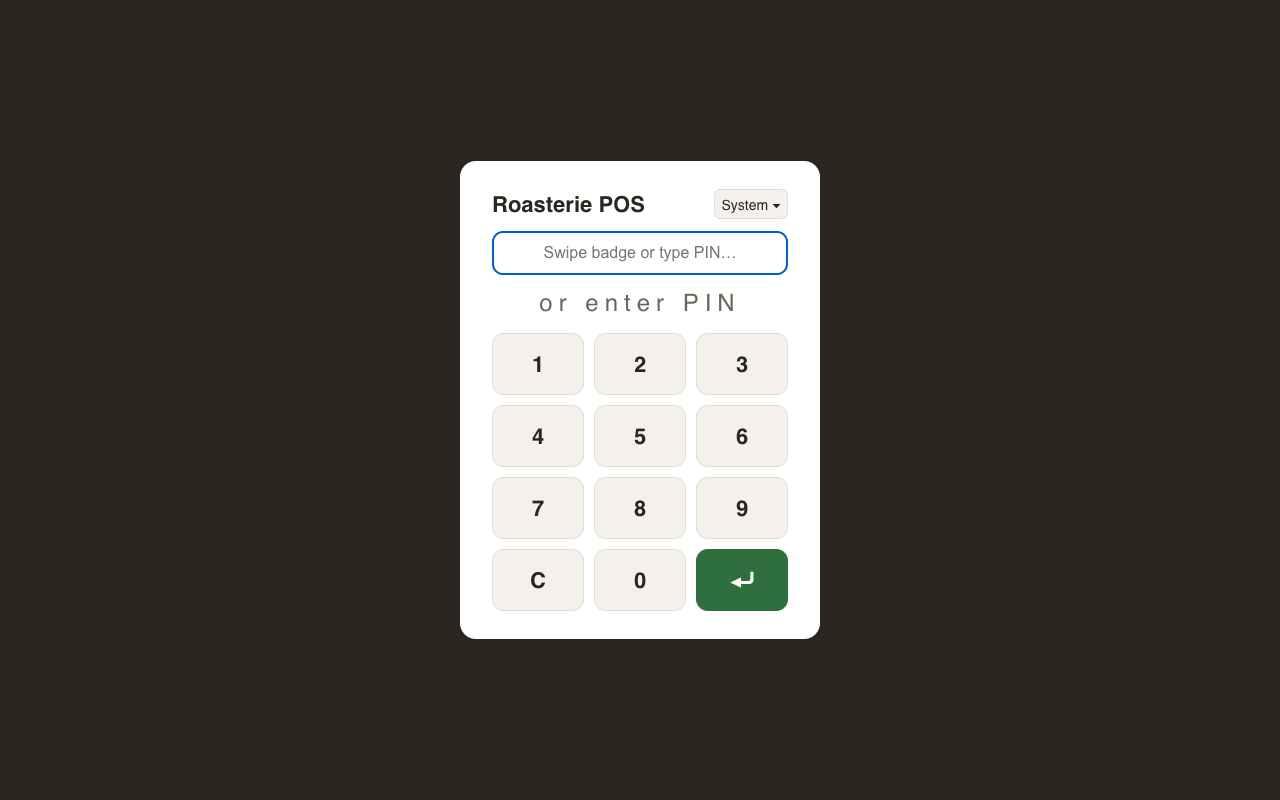
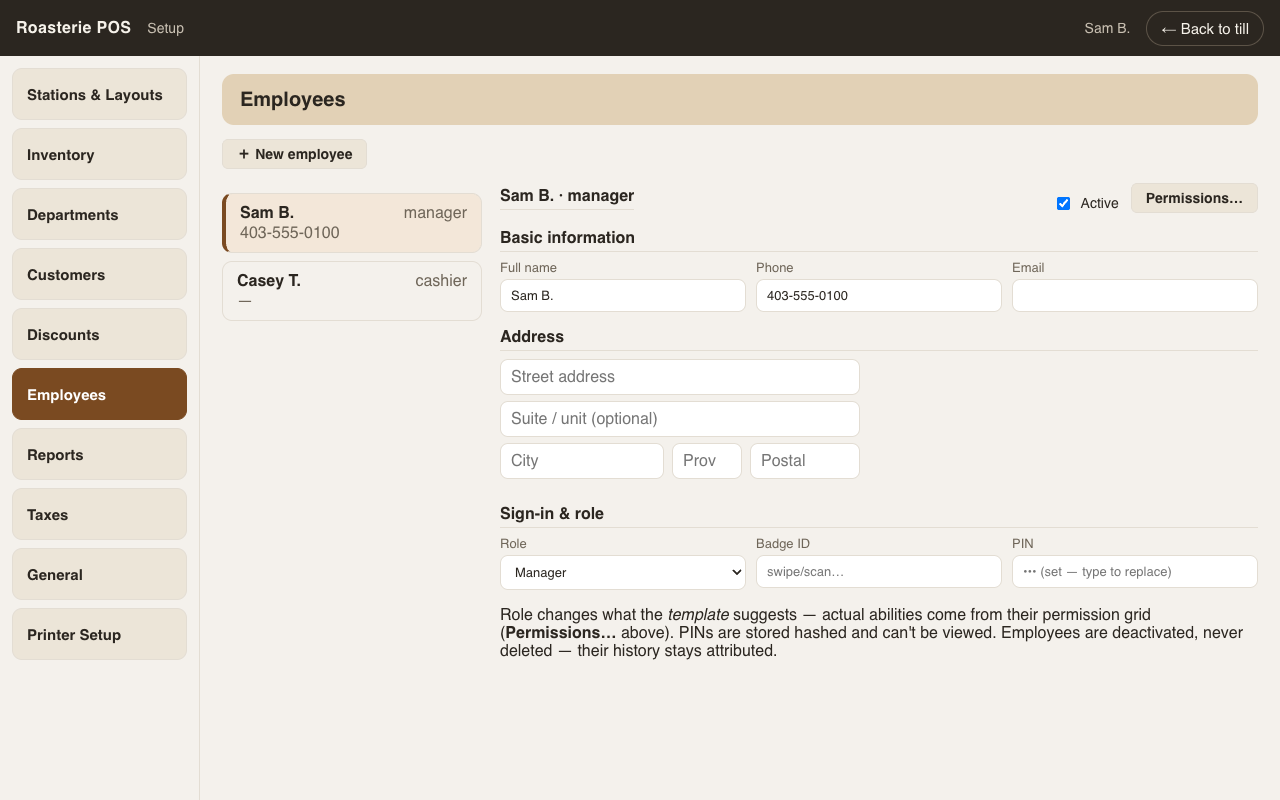
PINs are set in Setup → Employees (stored hashed — type a new one to replace, nobody can read the old one). Badges are the same magstripe cards used today; NFC stickers later.
Shifts (drawer sessions)
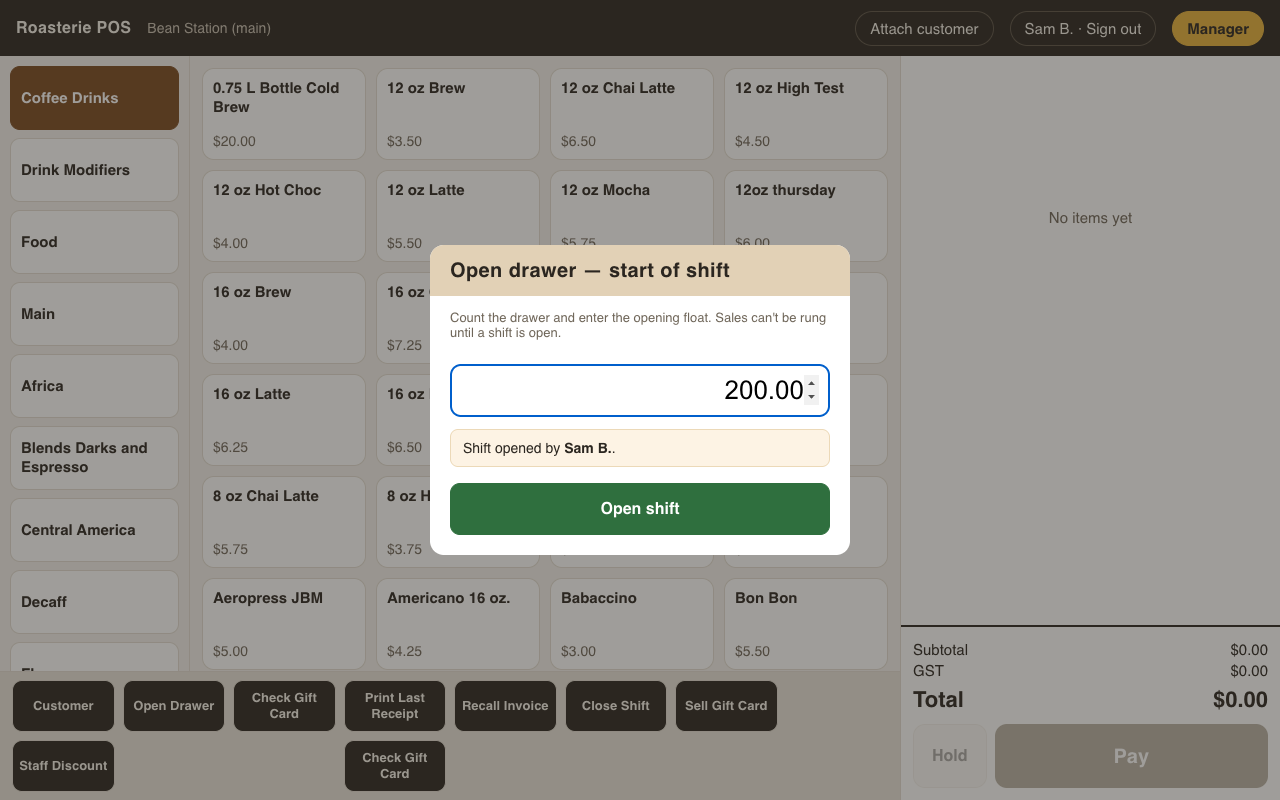
You can't ring a sale without an open shift. After signing in, the till asks for the opening float — count the drawer, type it, open the shift. Every sale from then on belongs to that shift.
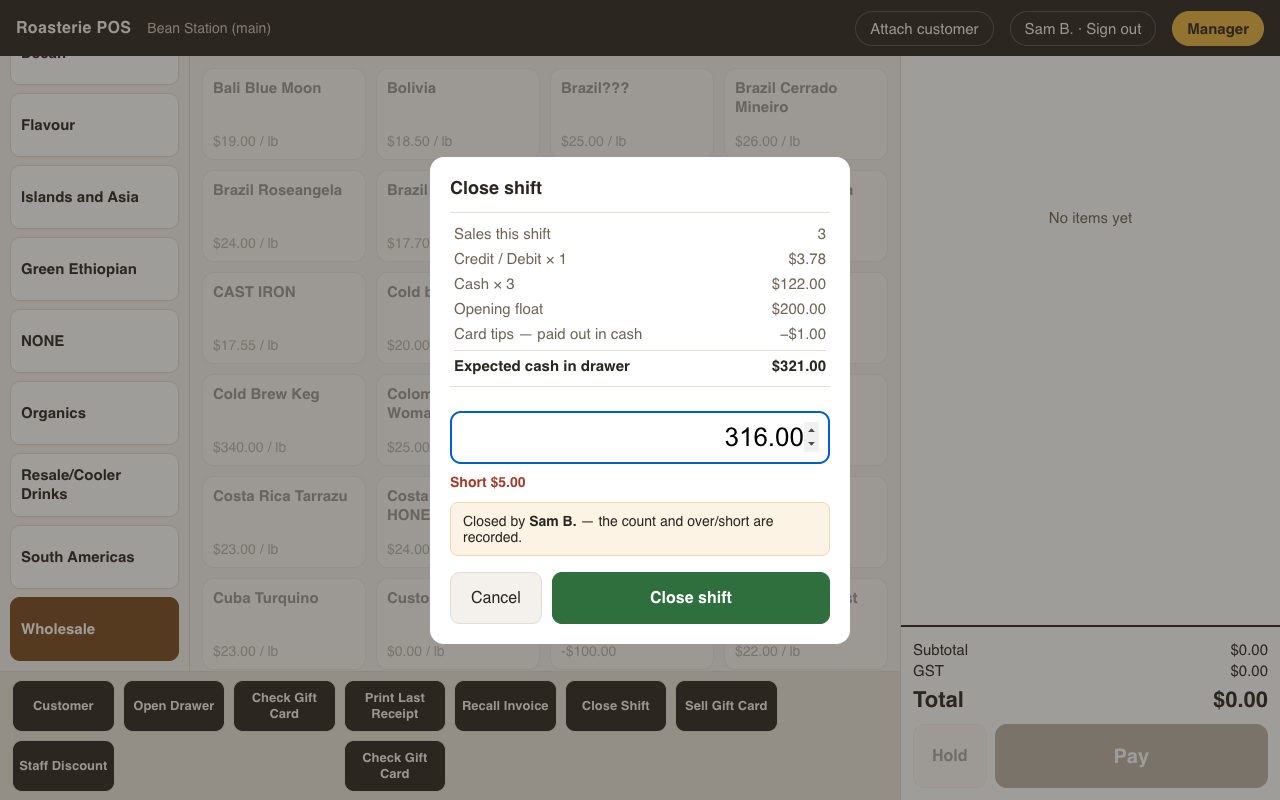
Close Shift (bottom bar — permission-gated, swipe fallback) shows the end-of-shift report: every tender taken (voids already netted out), the opening float, cash received as account payments (added), vendor payouts (subtracted), and the card tips being paid out to staff in cash (subtracted). That gives expected cash; type what you actually counted and the till records over/short and shows the result full-screen. Then the next person signs in and opens their own shift.
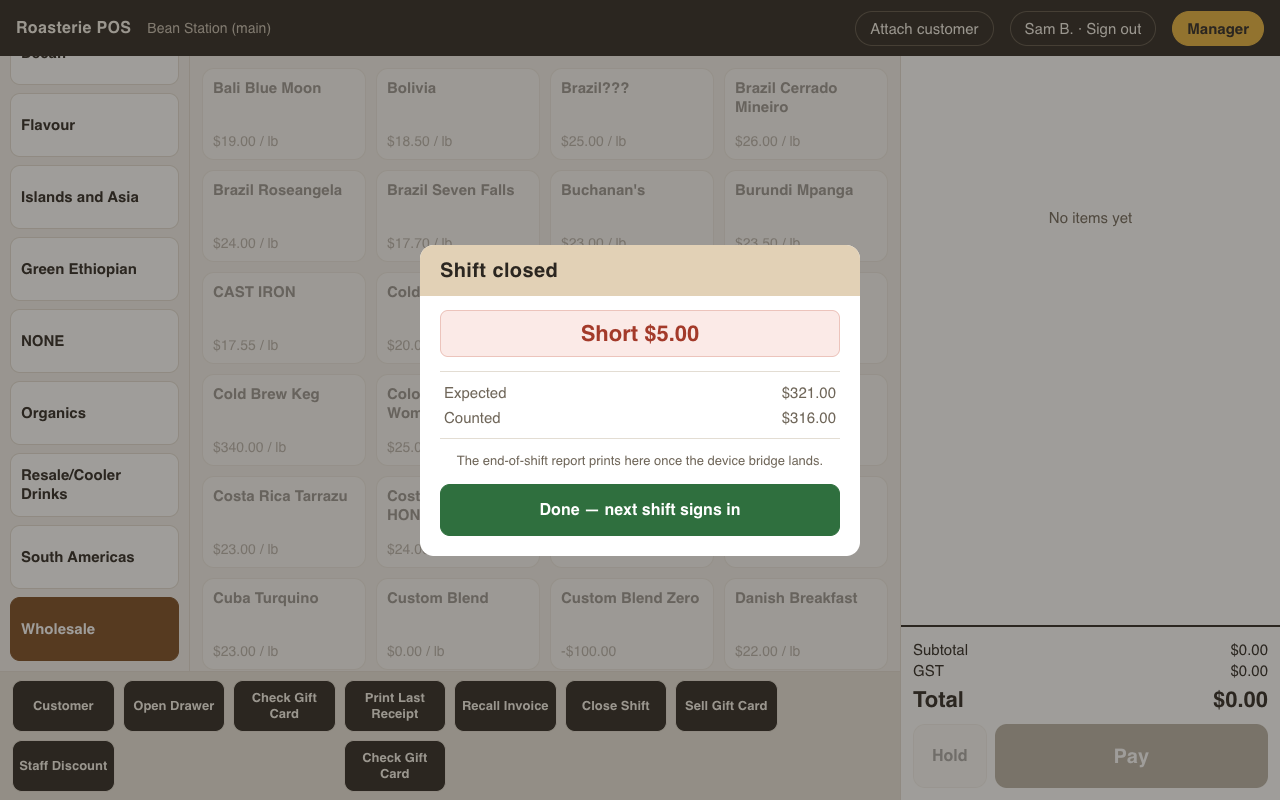
Multiple baristas share the drawer through the day — but every shift gets its own count, its own numbers, and its own name attached. Past shifts are browsable under Manager → Administrative → Shift History — every session with its float, count, and over/short.
Cash leaving the drawer for a vendor mid-shift is a vendor payout — it reduces the
shift's expected cash so the count stays honest (see vendor-payouts.md).